Desktop Sculpture
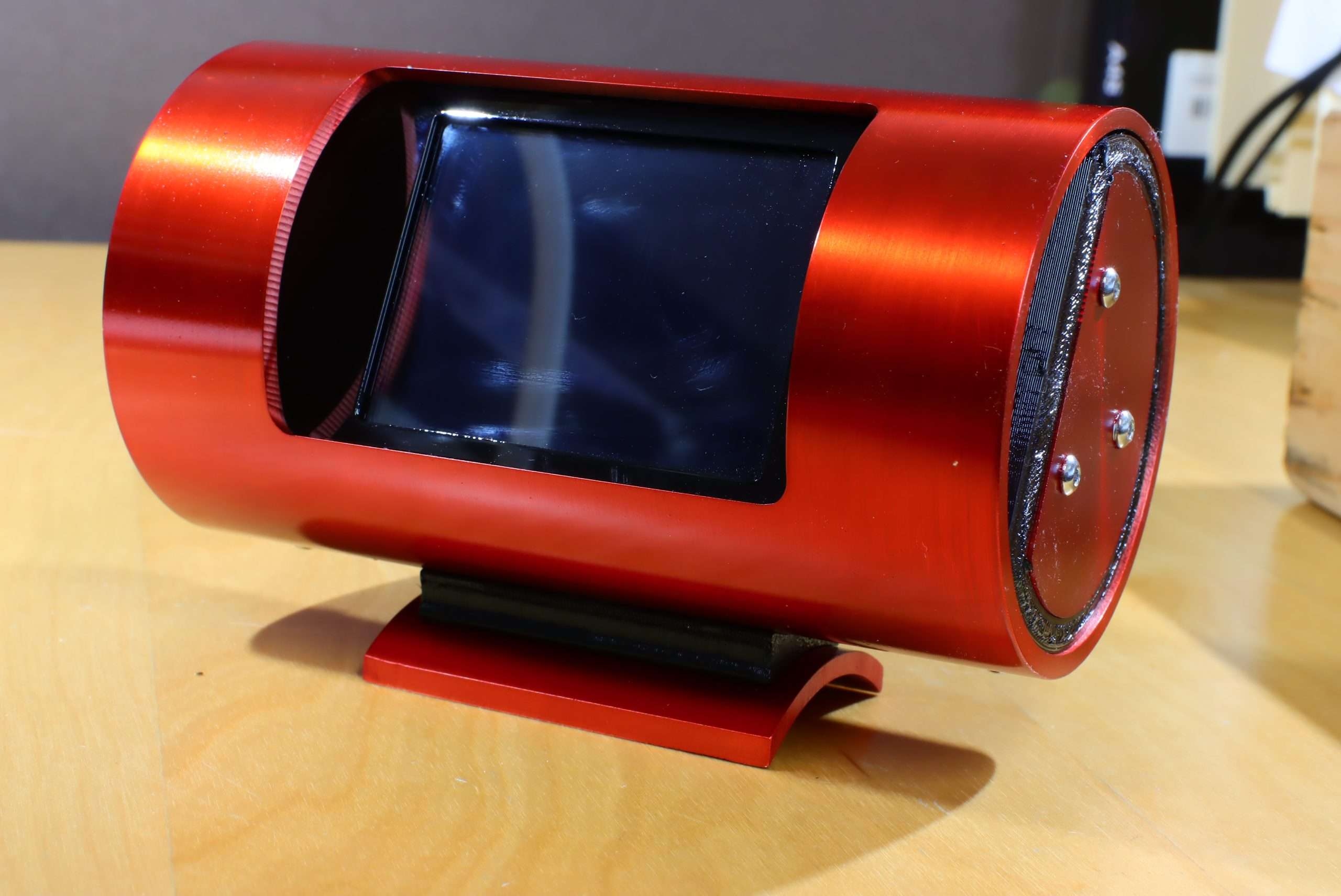
An interactive desktop object developed as a complete prototype system—from initial concept and mechanical design through custom electronics, embedded firmware, fabrication, assembly, and testing.
Mechanical Design · Electronics · Embedded Firmware · Industrial Design
The Project
The Desktop Sculpture began as an exploration of how electronics, motion, light, and physical form could be combined into a compact interactive object. The goal was not simply to create individual parts, but to develop the mechanical, electrical, and firmware systems together as one working prototype.
The development process involved repeated cycles of design, fabrication, assembly, programming, and testing. Each iteration exposed new constraints and opportunities, allowing the industrial design, electronics, and firmware to evolve together.
Integrated Development
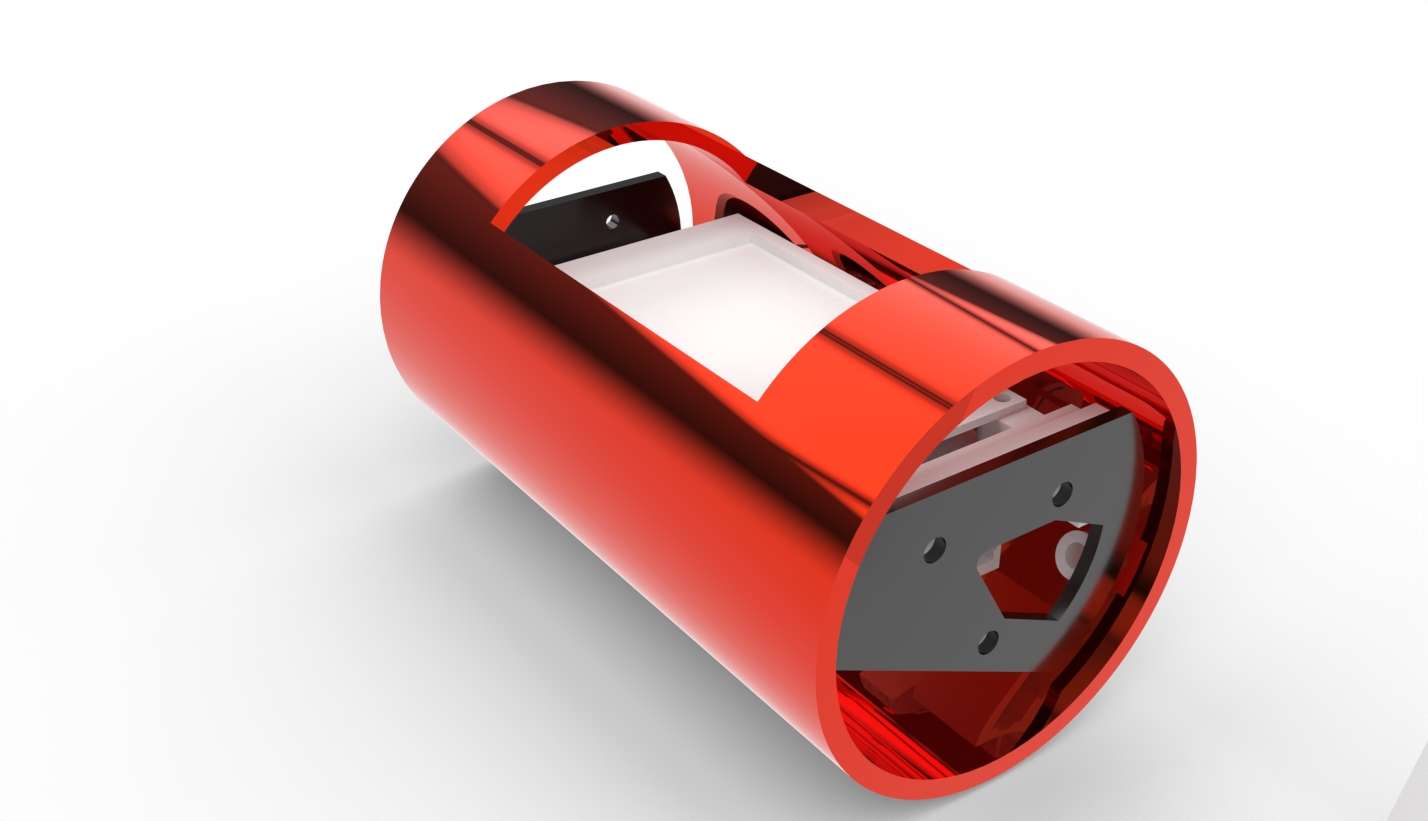
Rhino 3D rendering
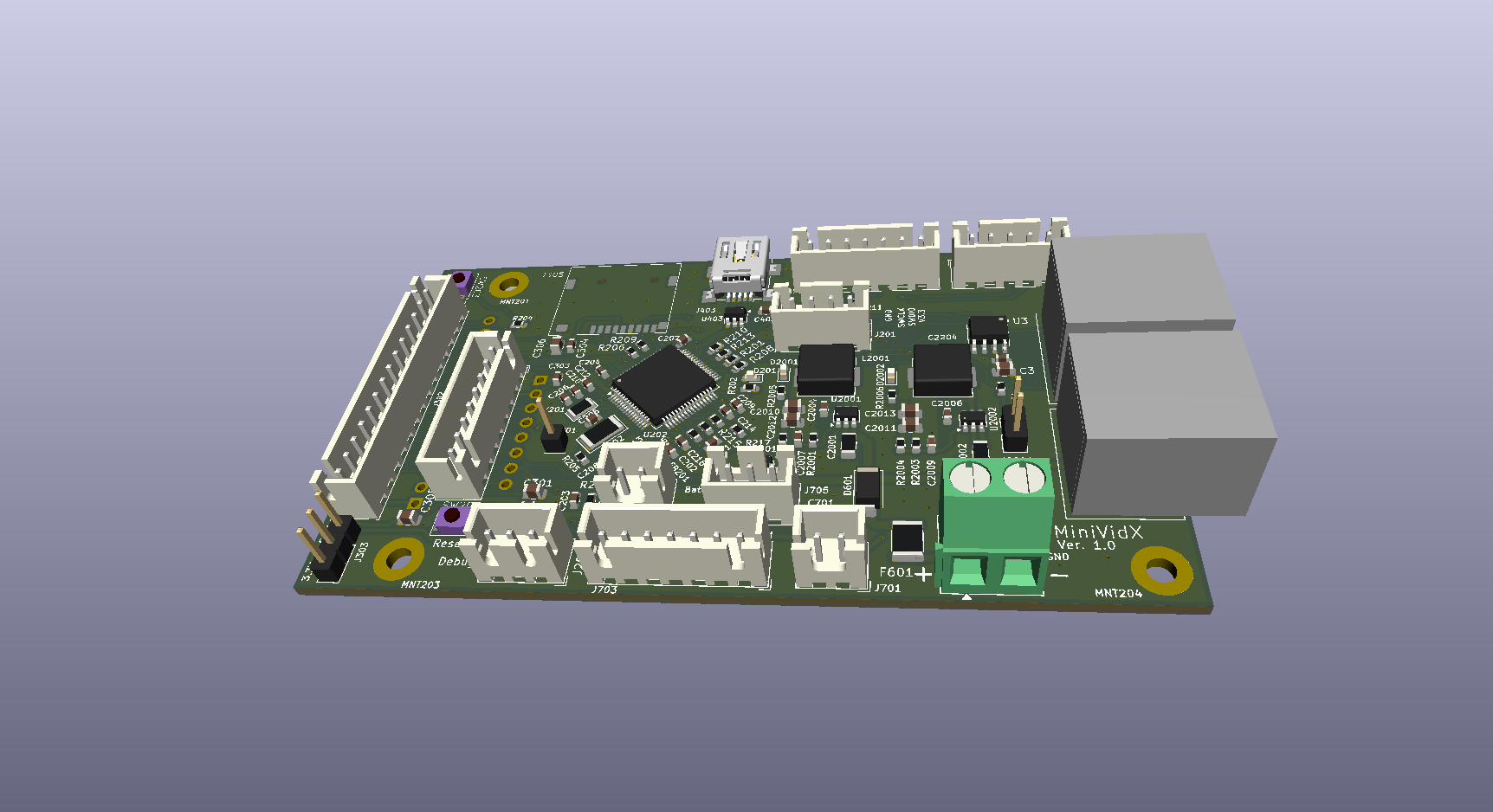
KiCad PCB assembly rendering
Developing a hardware prototype is rarely a linear process. Product requirements, firmware, electronics, mechanical design, and fabrication influence one another throughout development. Decisions in one area often create constraints—or opportunities—in another.
For the Desktop Sculpture, firmware requirements influenced microcontroller selection and pin assignments; those decisions affected schematic design and PCB layout; and the resulting board geometry and component placement created constraints for the enclosure. Mechanical considerations could, in turn, lead back to changes in the electronics or firmware.
Architecture & Co-Design
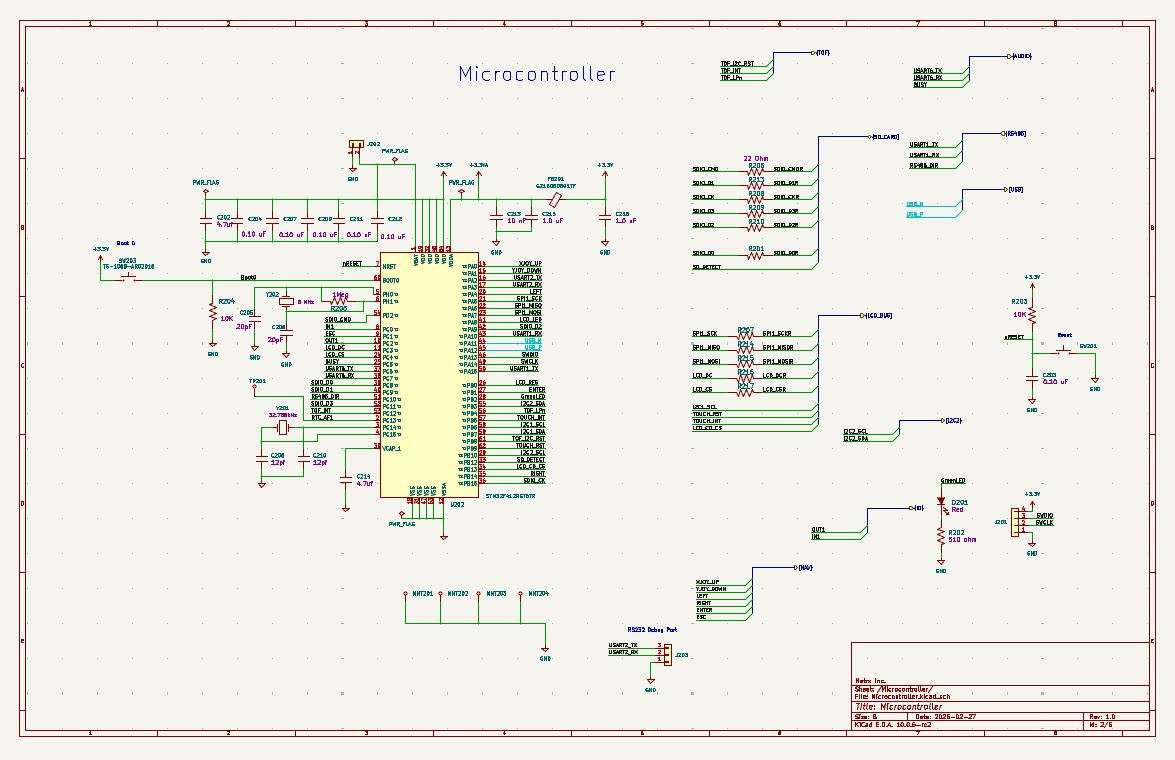
KiCad schematic capture
KiCad PCB Layout
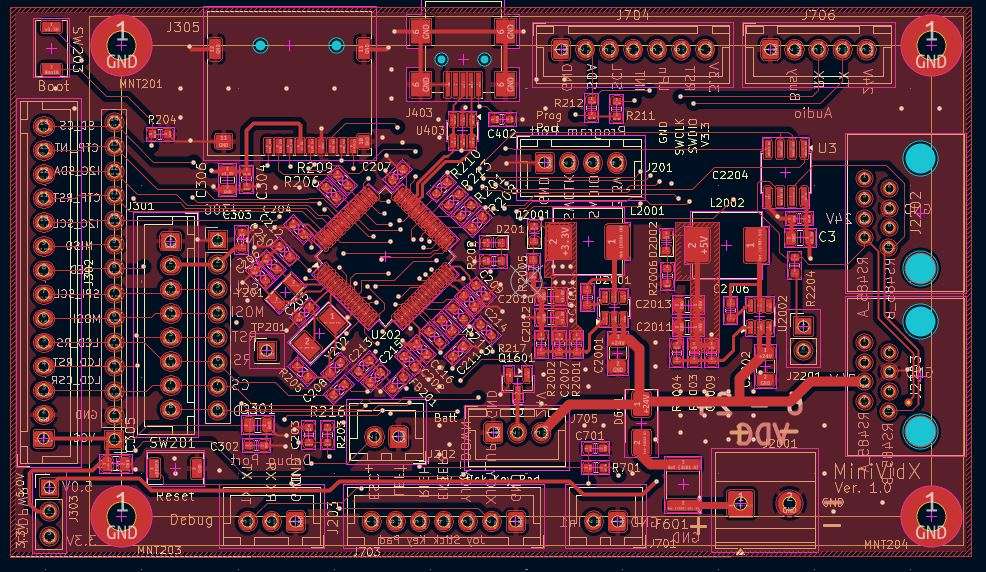
Early architecture decisions were evaluated across the complete system rather than within a single discipline. Firmware needs, available microcontroller resources, PCB routing, component placement, connector access, and enclosure geometry were considered together as the design evolved.
When a constraint appeared, the solution could come from more than one direction. A pin assignment could be changed to simplify PCB routing, component placement could shift to improve mechanical clearance, or the enclosure could be adjusted to accommodate the electronics. These decisions were treated as system-level trade-offs rather than isolated problems.
Build & Bring-Up
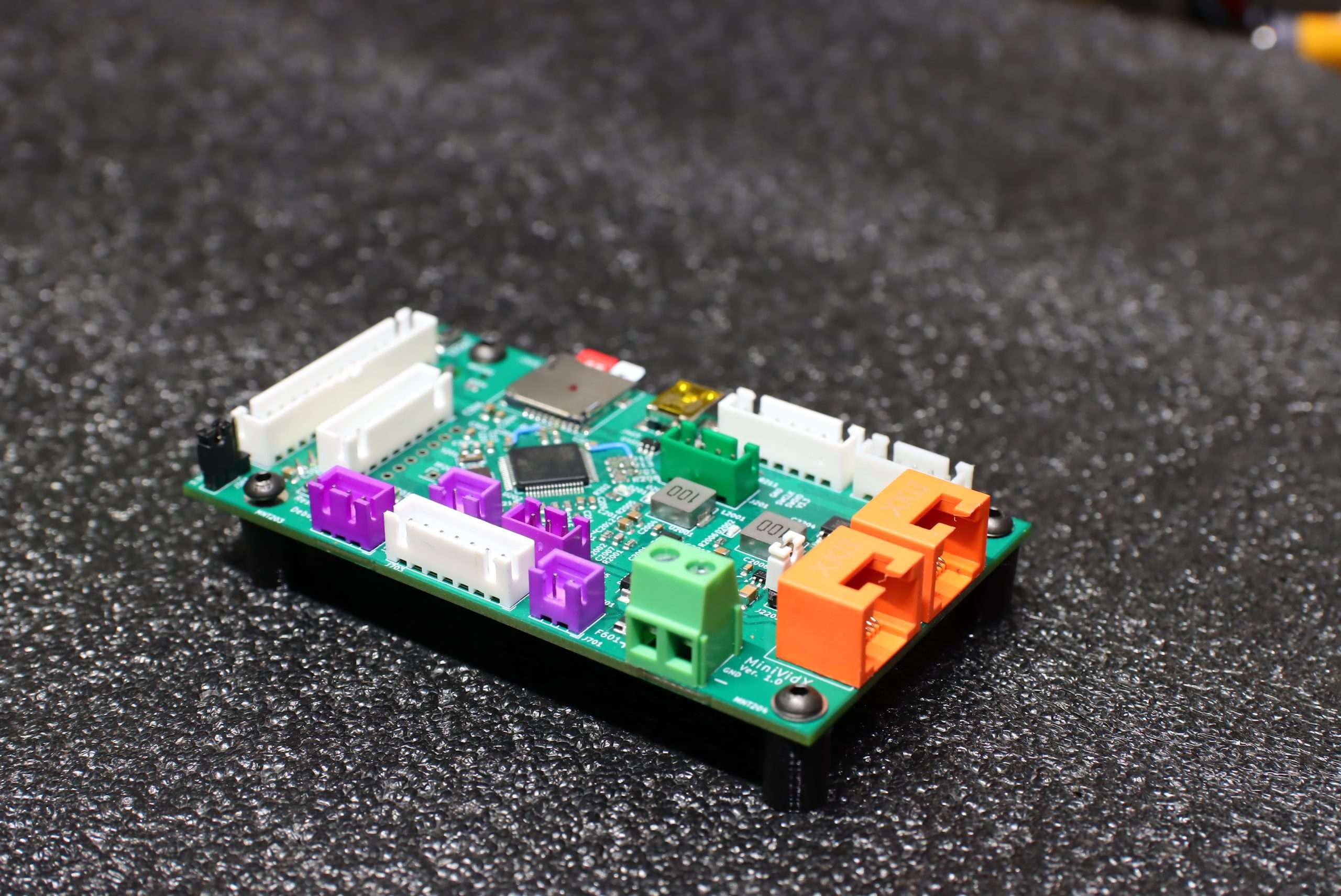
PCB assembly
Firmware development in STM32CubeIDE
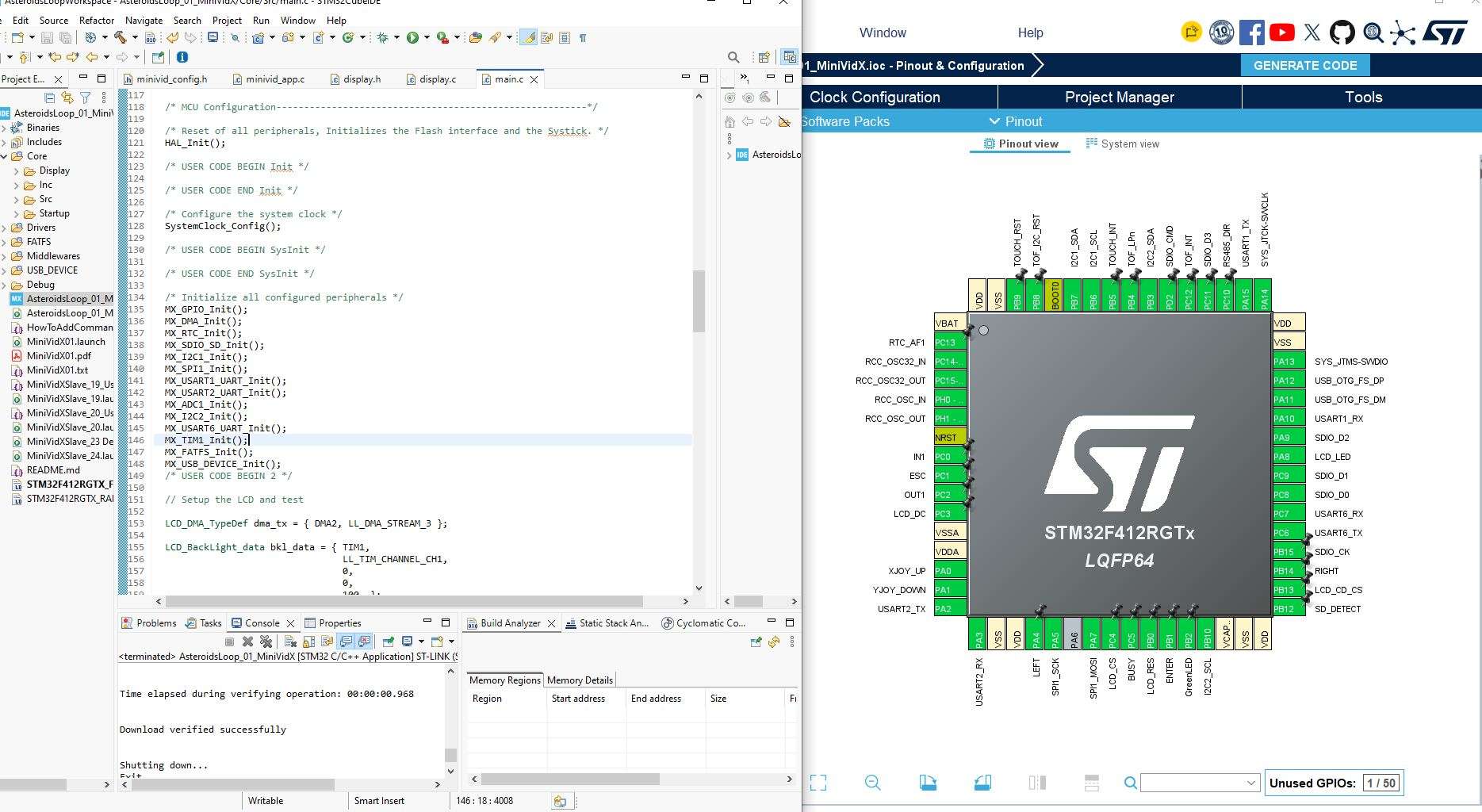
With the architecture established, the design moved into physical hardware. Enclosure components were fabricated, custom electronics were assembled, and firmware was brought up on the actual system. This allowed mechanical fit, electrical behavior, and software control to be evaluated together.
Bring-up exposed the practical details that are difficult to resolve entirely in CAD, schematics, or code. Testing the assembled system provided feedback for the next design iteration and helped refine the hardware, firmware, and mechanical components together.
Iteration & Refinement
Machining Surface
CNC Milling
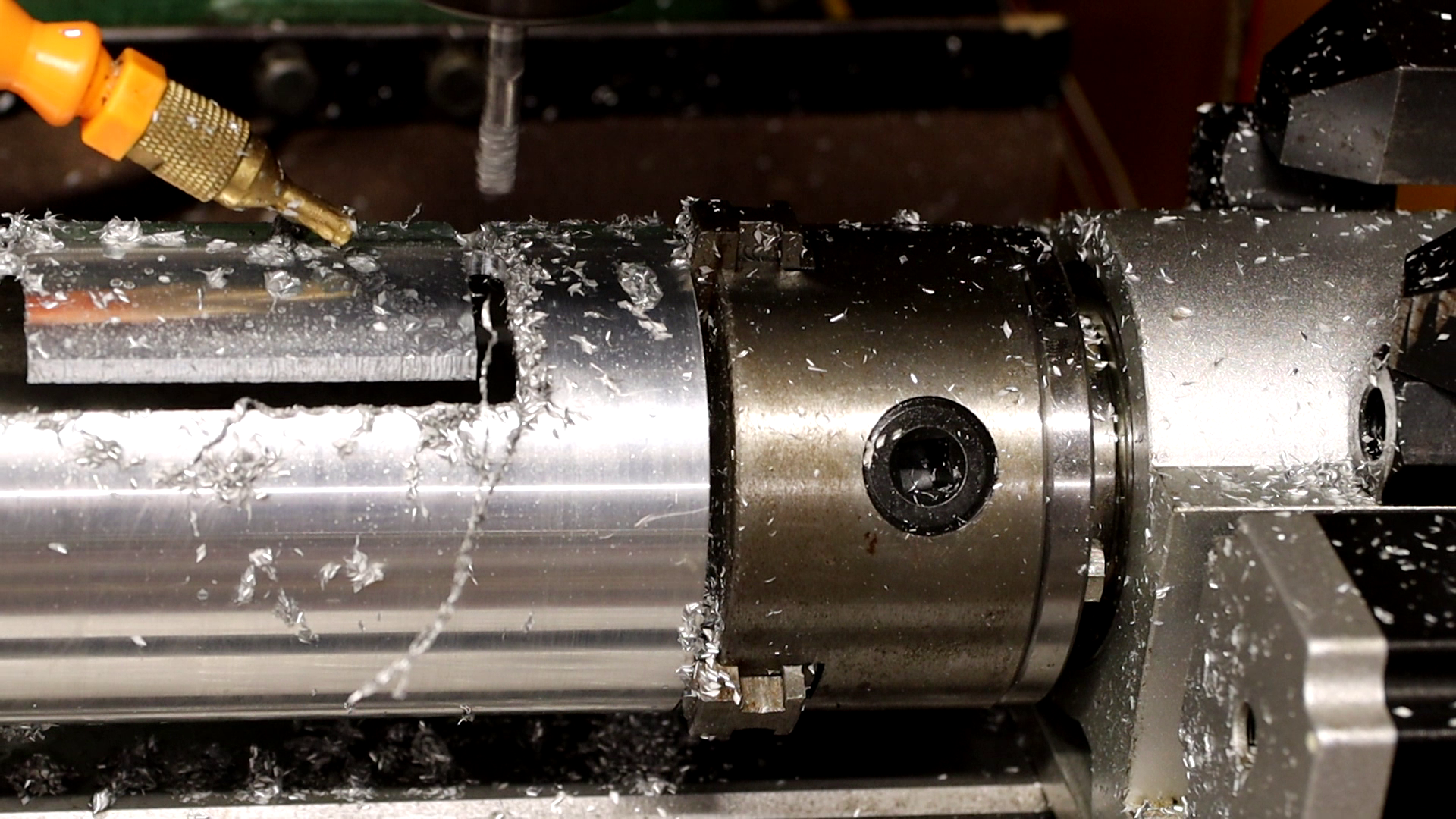
Milling in action
Each physical build provided new information. Fit, assembly, electrical behavior, firmware operation, and the overall interaction of the system were evaluated, with changes carried into the next iteration where needed.
Refinement was not limited to a single discipline. A mechanical change could affect component placement, an electrical change could require a firmware adjustment, and testing could reveal opportunities to simplify or improve several parts of the system at once.
Finish & Assembly
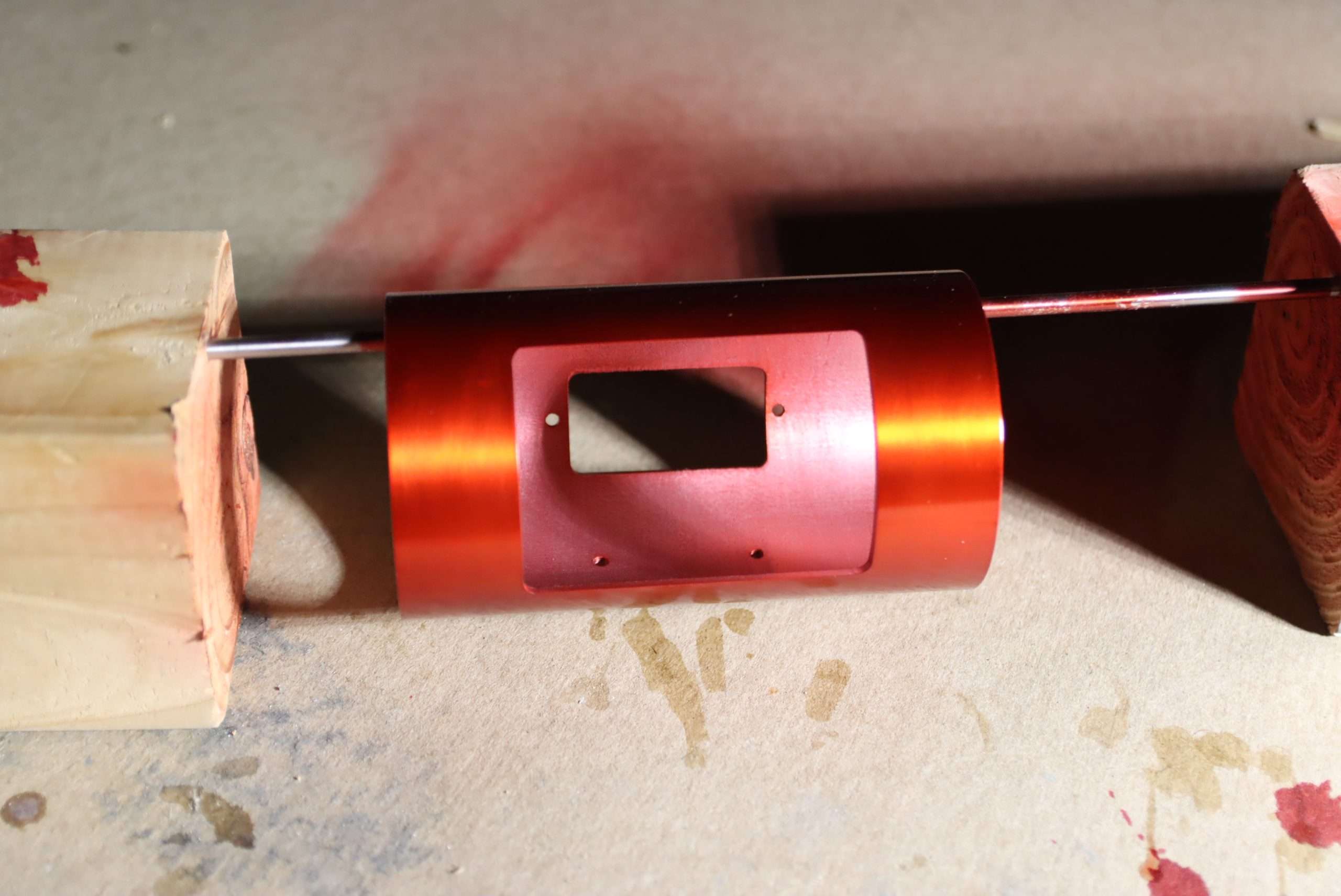
Candy apple red paint finish
Internal electronics and mounting brackets
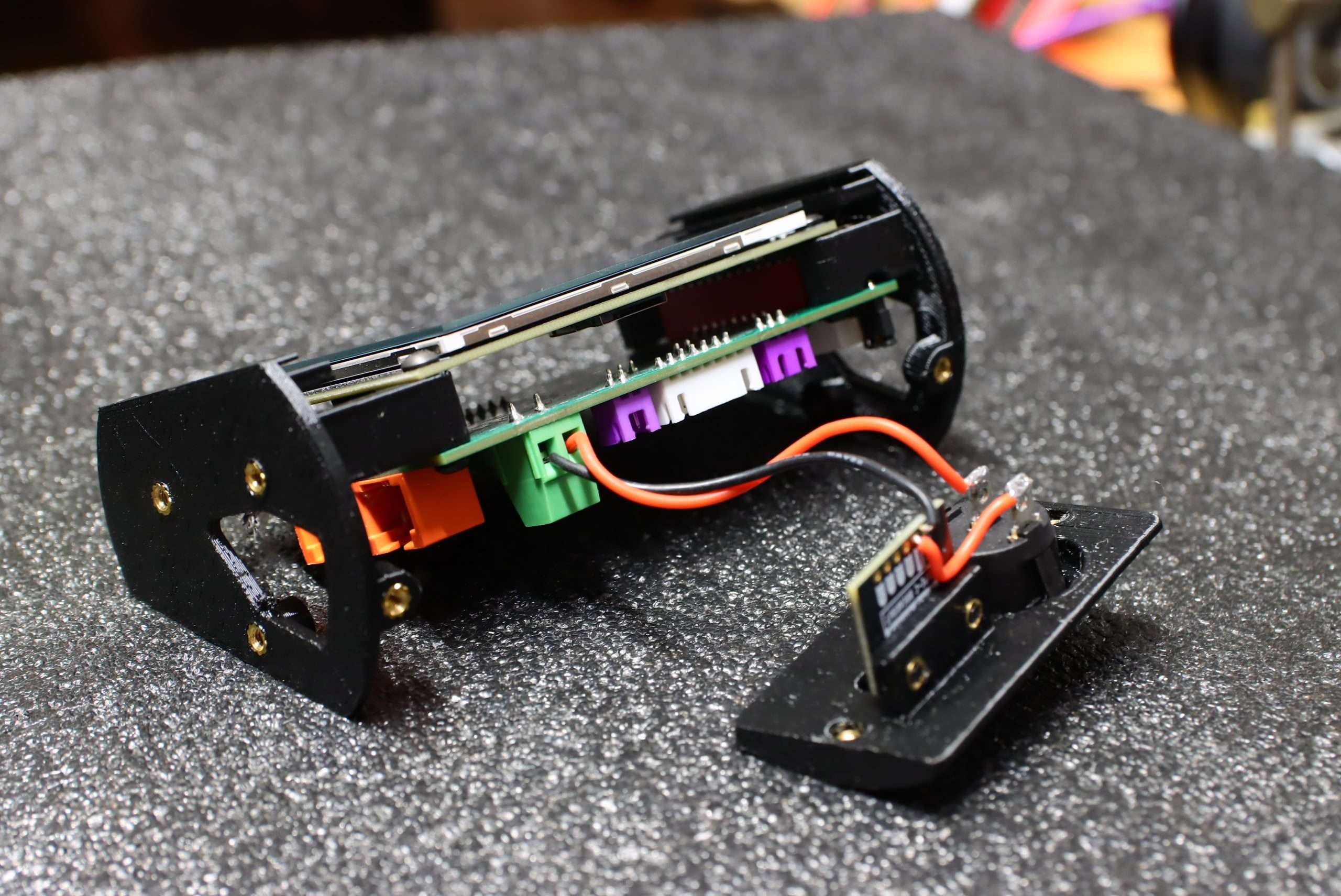
Once the prototype was functioning as a complete system, attention shifted to final assembly and surface finish. Fabricated parts were prepared and refined, then the electronics and mechanical components were brought together into the completed enclosure.
The finishing process was treated as part of the prototype development itself. Surface preparation, paint, fit, fasteners, and assembly details were refined so the finished object represented both the engineering and the intended physical design.
Finished Prototype
From start to finish
Side view
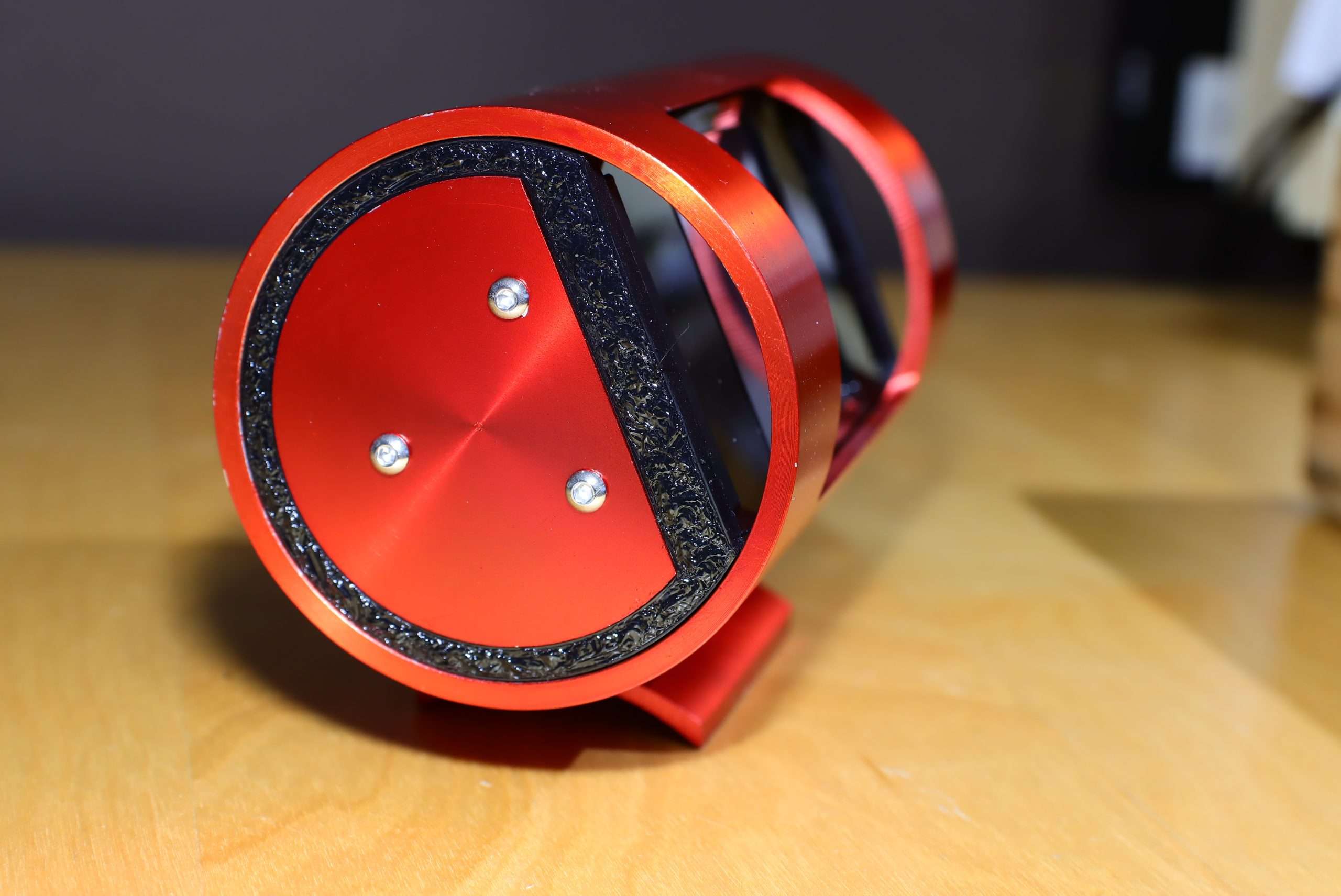
Desktop view
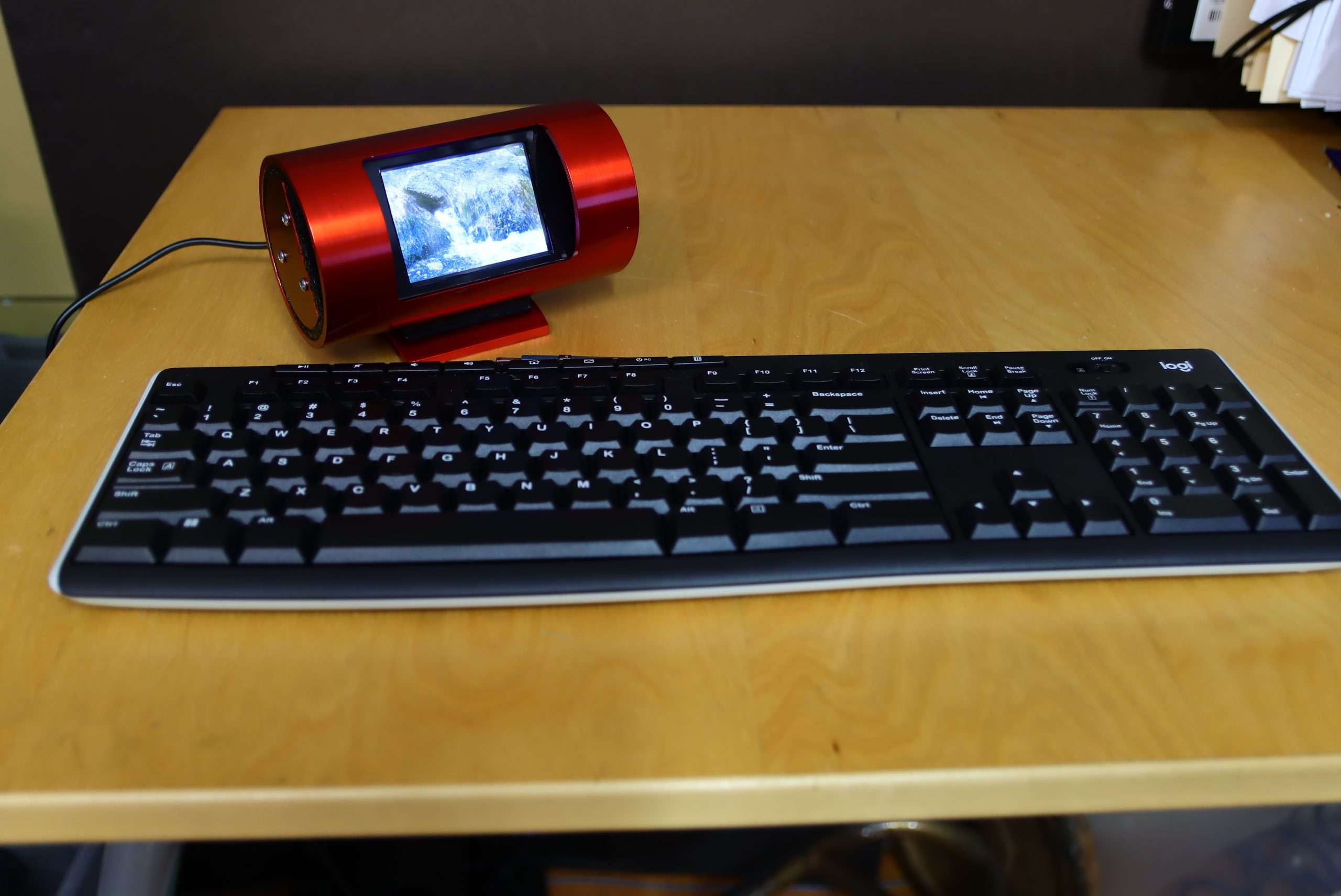
Looping video at 30 fps
The completed Desktop Sculpture brings the mechanical design, custom electronics, embedded firmware, fabrication, and finish together as a single working system.
Have an idea you want to build?
Tell me what you're working on, where you are in the process, and what you need help bringing to life.
Start a project